Battle your friends
In a battle, everyone writes a song to the same theme before the clock runs out, then everyone votes. Entries stay anonymous until voting ends. Play one round or up to 12, and the standings add up across them.
Start a battle
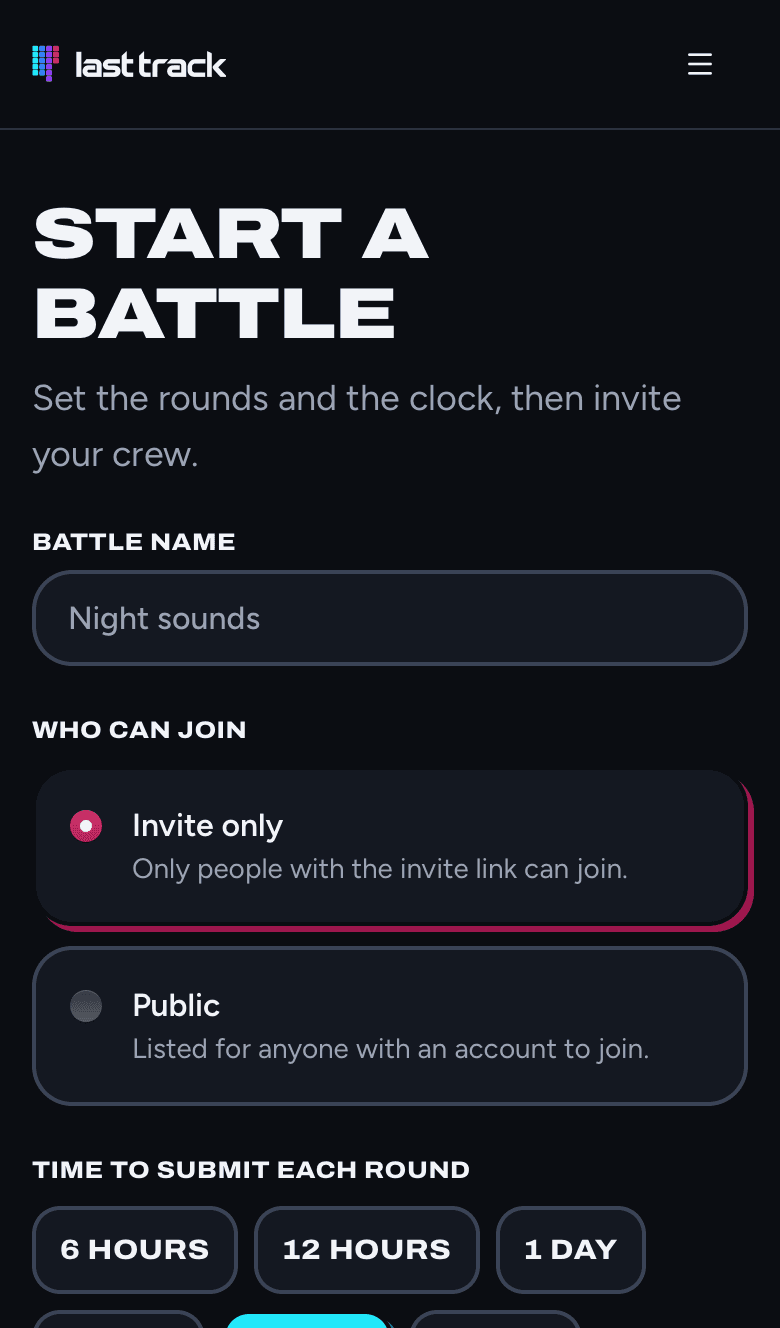
- 1Go to Start a battle.
- 2Give the battle a name.
- 3Choose who can join. Invite only means only people with the invite link. Public lists the battle for anyone with an account.
- 4Set the time to submit each round (from 6 hours to 7 days) and the time to vote (from 6 hours to 2 days).
- 5Write a theme for each round, like Something that sounds like rain. Tap Add a round for more, up to 12.
- 6Tap Start the battle, or Save for later to finish setting it up another time.
Battles need a free account, so votes and scores belong to real players. The first round starts right away.
Round rules
Each round can set rules under Round rules, so everyone writes within the same limits:
- Most bars: 8, 16, 32, 64 or 128.
- Tempo: any, or one set tempo.
- Key, scale and time signature: any, or one chosen for everyone.
Anything left as Any is up to each player. Inside the tracker, the settings a round fixes are locked, and adding bars stops at the round's limit.
Share the battle
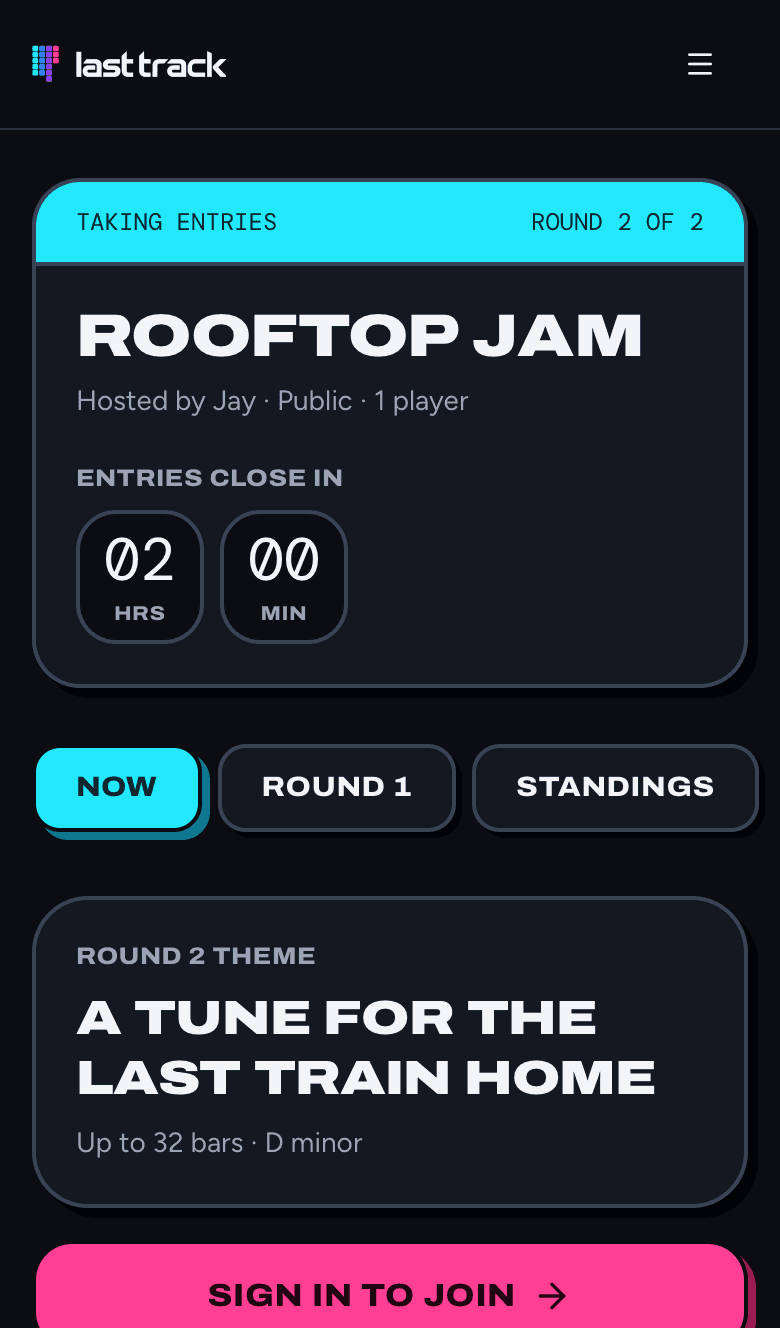
- The host sees an Invite link box on the battle page. Tap its copy button and send it to your crew in a text, a group chat or a DM. Anyone with this link can join.
- A public battle is also listed on Battles, and anyone can open its page to follow along, even without joining.
- For a public battle, share the battle page's own address to show people the results. Names and scores appear once each round's voting closes.
Join a battle
Open the invite link, tap Sign in to join if you aren't signed in, then tap Join the battle. You'll see the round's theme, the rules, and how long is left.
Players shows everyone in the battle and where they are: not started, working, submitted, voting, voted, or sitting out.
Write your entry
- 1Tap Start your entry. LastTrack makes you a new song and opens it in the tracker.
- 2A banner at the top shows the battle, the round, the theme and the countdown.
- 3Write your song. Everything in the tracker guide works here. Tap Continue your entry on the battle page to come back to it.
- 4When you're happy with it, tap Submit, then Submit entry. You can't edit it after that.
If you don't submit before the clock runs out, you sit out that round's vote. The host can add time with Host tools if everyone needs longer.
Vote
When entries close, everyone who submitted can vote. Tap Vote on the battle page.
- Songs show up as Entry A, Entry B and so on. Names stay hidden until the round closes, and your own entry isn't there.
- You get a number of credits to share between the songs you like best. Tap + and − to give more or less, and use Next song to move through them.
- Spend all your credits, then tap Send my vote. You can come back and change your vote until voting closes.
Results and standings
- When voting closes, the round's tab shows every entry with its author, its credits and its share of the round.
- Standings adds up each player's share across every round so far, and the player on top at the end is the champ.
- Your entry is yours: tap Make public on it to put it in the gallery, or Remove from gallery to take it back.
- If you have an account email, LastTrack emails you when a round is halfway through, one day before the deadline, when everyone else has submitted, and when results are in. Every email has a link to stop the reminders.
Host tools
If you started the battle, tap Host on the battle page for Host tools:
- Extend the current deadline by an hour, 6 hours, a day or 3 days.
- Remove a player. They keep entries they already submitted but can't rejoin.
- End the battle after this round.
See something that shouldn't be there? Tap Report this battle on its page.